
Self-taught Software Developer | Full-Stack, DevTools & Open Source
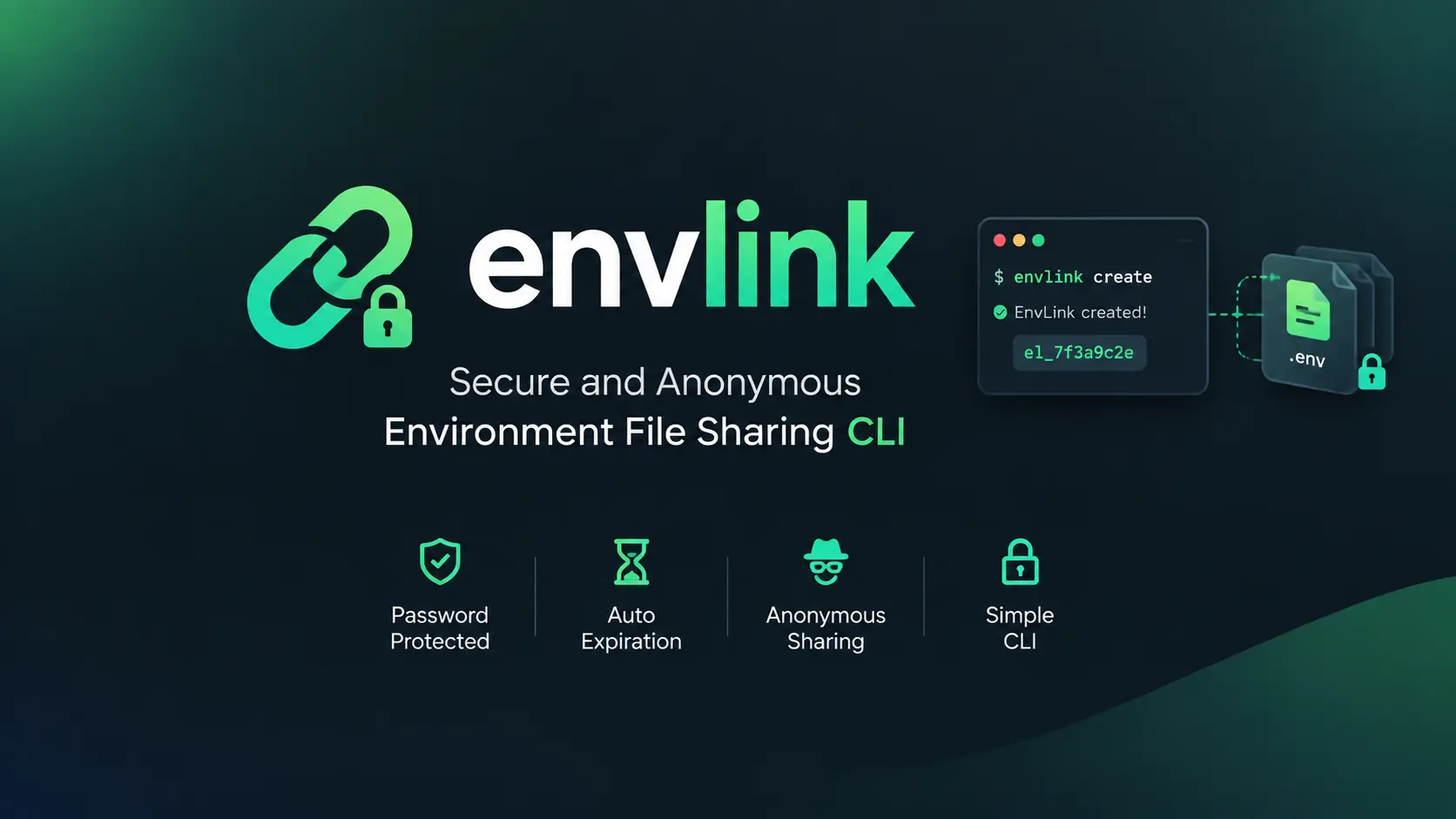
EnvLink - Secure and Anonymous ENV File Sharing
Share .env files securely with team members using encryption and automatic expiration.
If you’ve worked on a dev team, you know the drill: someone needs your.envfile, and you’re stuck wondering if you should really send it over Slack or Discord. Spoiler alert—you probably shouldn’t. That’s where EnvLink comes in.
It’s an open-source CLI tool I built to solve exactly this problem. Share.envfiles securely with end-to-end encryption, optional password protection, and automatic expiration. Best part? No signup, no account creation, completely anonymous. Just install and go.
What You Get
Two Ways to Share
EnvLink gives you two security models depending on your needs.
Password-Protected is for the serious stuff—production keys, database credentials, anything you’d lose sleep over if it leaked. This mode uses zero-knowledge security, meaning the server literally cannot decrypt your data even if it wanted to. You set custom expiration (anything from 30 minutes to never), and you can update the link later if needed.
Optional-Password (the default) is perfect when you just need to quickly share something with a teammate. No password hassle, just a single ID to copy-paste. It expires after one hour automatically, which is usually enough for onboarding or quick setups.
Strong Encryption Under the Hood
EnvLink uses AES-256-GCM encryption with PBKDF2 key derivation (100,000 iterations, if you’re curious). All encryption happens client-side before anything touches the server. Each EnvLink gets a unique salt and IV. The technical bits are solid, so you can focus on your work instead of worrying about security.
Share Multiple Files at Once
Sometimes it’s not just.env—you’ve got.env.local,.env.production,.env.staging, maybe more. EnvLink lets you bundle up to 10 files in one go. Pretty convenient when setting up a new teammate.
Expiration on Your Terms
With password-protected links, you choose how long they last:
30mfor urgent, short-term sharing24hfor a day5dwhen you need a few days6Mfor long-running projects1yfor a full yearneverif you want it permanent (though I’d recommend thinking twice about that one)
Getting Started
Install It Globally
If you’ll use it regularly, install it once:
npm install -g envlink
Or Run It Without Installing
Prefer not to install? No problem—just usenpxor your favorite package runner:
# Node.js
npx envlink create
npx envlink install el_abc123xyz456accesskey789

# Bun
bunx envlink create

# pnpm
pnpm dlx envlink create
How to Use It
Quick Sharing (No Password)
Say you need to onboard a new developer fast. You don’t want the password dance. Here’s what you do:
Create the EnvLink:
cd my-project
envlink create
You’ll see something like:
✓ EnvLink Created Successfully!

ID: el_abc123xyz456accesskey789
Expiry: 1 hour (fixed)
Files: .env

Share this ID to install the files.
Send that ID to your teammate. They install it with:
envlink install el_abc123xyz456accesskey789
Done. No password needed. It vanishes in an hour automatically.
Secure Sharing (With Password)
For production credentials or anything sensitive, add a password:
cd my-project
envlink create --pass yourpassword --exp 7d --ref "production-keys"
The--exp 7dmeans it expires in 7 days. The--reftag is just a label so you remember what it’s for later.
Your teammate installs it like this:
envlink install el_abc123xyz456 --pass yourpassword
Pro tip: send the password through a different channel—maybe a phone call or Signal message. Defense in depth and all that.
Check EnvLink Details
Want to see when something expires or what files are in it?
# Optional-password (no password needed)
envlink info el_abc123xyz456accesskey789

# Password-protected (password required)
envlink info el_abc123xyz456 --pass yourpassword
Update an EnvLink
Only password-protected EnvLinks can be updated:
# Update the files
envlink update el_abc123xyz456 --files --current-pass yourpassword

# Extend expiration
envlink update el_abc123xyz456 --exp 30d --current-pass yourpassword

# Change the password
envlink update el_abc123xyz456 --pass newpassword --current-pass yourpassword
Manually Delete It
Finished early? Kill it manually:
# Optional-password
envlink expire el_abc123xyz456accesskey789

# Password-protected
envlink expire el_abc123xyz456 --pass yourpassword
A Few Handy Extras
Pick and Choose Files
If an EnvLink has multiple files but you only need some of them:
envlink install el_abc123xyz456 --select-files
You’ll get an interactive menu where you can check off exactly what you want. Saves time when you’re only working on staging and don’t need the production config cluttering things up.
Reference Labels
When you’re juggling multiple EnvLinks, labels help you keep track:
envlink create --pass mypass --ref "staging-database-credentials"
envlink create --pass mypass --ref "production-api-keys"
Future you will thank you for this.
Check for Updates
envlink version-check
# or
envlink check-update
How the Security Actually Works
People always ask: “Can the server see my stuff?” Short answer: No.
Password-Protected Mode
Here’s what happens when you create a password-protected EnvLink:
- Your password gets hashed with SHA-256
- PBKDF2 (with 100,000 iterations) generates the encryption key
- Your files get encrypted on your machine with AES-256-GCM
- Zero-knowledge proof authentication validates everything
The server stores the encrypted data, salt, IV, and a password hash—but never your actual password, never the encryption key, and never your decrypted files. The server physically cannot decrypt your data. Even if someone hacked the server, all they’d get is encrypted gibberish.
Optional-Password Mode
This one’s equally secure, just simpler:
- An access key is generated locally on your machine
- Everything gets encrypted client-side with AES-256-GCM
- The access key never leaves your computer
- It’s embedded in the extended ID you share
The server only receives the base ID and encrypted data. Without the access key (which it never has), decryption is impossible.
Password-Protected vs Optional-Password
| Feature | Password-Protected | Optional-Password |
|---|---|---|
| Password required | Yes | No |
| Can the server decrypt it? | No (zero-knowledge) | No (zero-knowledge) |
| ID format | el_abc123xyz456 | el_abc123xyz456accesskey789 |
| Expiration | Flexible, including never | Fixed at 1 hour |
| Update support | Yes | No |
| Best for | Sensitive data and team sharing | Convenient temporary sharing |
When to Use Which
| Feature | Password-Protected | Optional-Password |
|---|---|---|
| Password required | Yes | No |
| Can server decrypt? | No (zero-knowledge) | No (zero-knowledge) |
| ID format | el_abc123xyz456(19 chars) | el_abc123xyz456accesskey789(35 chars) |
| Expiration | Flexible (30m to never) | Fixed at 1 hour |
| Update support | Yes | No |
| Best for | Sensitive production data, long-term sharing | Quick onboarding, temporary sharing |
Real-World Examples
Onboarding a New Developer
New teammate joins, needs to get set up quickly:
# You create the link (no password, fast)
envlink create

# They install it
envlink install el_abc123xyz456accesskey789

# Gone in an hour—no cleanup needed
Sharing Production Credentials
You’re giving someone access to production API keys or database credentials:
# Create with password and 7-day expiration
envlink create --pass SecureP@ss123 --exp 7d --ref "production-api-keys"

# They install it
envlink install el_abc123xyz456 --pass SecureP@ss123

# Auto-deletes after a week
Staging Environment Setup
Working on staging for a day or two:
# 24-hour EnvLink for staging
envlink create --pass staging123 --exp 24h --ref "staging-env"

# Update it if needed
envlink update el_abc123xyz456 --files --current-pass staging123

# Delete manually when done
envlink expire el_abc123xyz456 --pass staging123
Limitations to Know
EnvLink is powerful, but there are some sensible limits:
- File count: Max 10
.envfiles per EnvLink - File size: Each file can be up to 100KB
- Total payload: All files combined can’t exceed 500KB
- File naming: Files must follow
.envor.env.{suffix}pattern
These limits are pretty generous for most use cases. If you’ve got a massive.envfile, you might want to think about breaking it up anyway.
Why I Built This
I got tired of the anxiety around sharing.envfiles. You know that feeling—you send it over Slack, then realize it’s sitting there in the chat history forever. Or you paste it into a “secure” shared document that… isn’t really that secure.
What I like most about EnvLink:
No account needed. Seriously. No email, no verification, no tracking. Install it and use it.
Two modes for different situations. Need speed? Use optional-password. Need serious security? Add a password. Your choice.
Auto-expiration. This might be my favorite feature. You don’t have to remember to clean up. Set it and forget it—the link destroys itself.
Actually private. Zero-knowledge encryption means I can’t see your data even if I wanted to. And I don’t want to.
Common Questions
Can the server really not see my data?
Really. Both modes use zero-knowledge security. Password-protected uses ZK-proof authentication. Optional-password never sends the access key to the server. Even if someone compromised the server, your data stays encrypted.
Which mode should I use?
Depends on your situation:
- Quick sharing with teammates who just need to get set up? → Optional-password
- Production credentials or anything that’d cause problems if leaked? → Password-protected
Can I recover an expired EnvLink?
Nope. When it expires, it’s permanently deleted. This is intentional—you don’t want old credentials lingering around, even encrypted.
How many files can I share?
Up to 10.envfiles in one EnvLink. That’s usually way more than you need, but it’s there if you need it.
Wrapping Up
Sharing.envfiles is something every dev team deals with, but most teams don’t do it securely. EnvLink gives you a simple, practical way to fix that without adding friction to your workflow.
If you’re regularly sharing environment variables with your team, give EnvLink a shot. It’s made the process cleaner and less stressful for me, and I think it’ll do the same for you.
Links:
- GitHub: https://github.com/AbabilCore/envlink
- NPM: https://www.npmjs.com/package/envlink
- Documentation: https://envlink.ababilspark.com
Install it now:
npm install -g envlink
Stay secure out there. 🔐