
Programmer | DevTools & Open Source
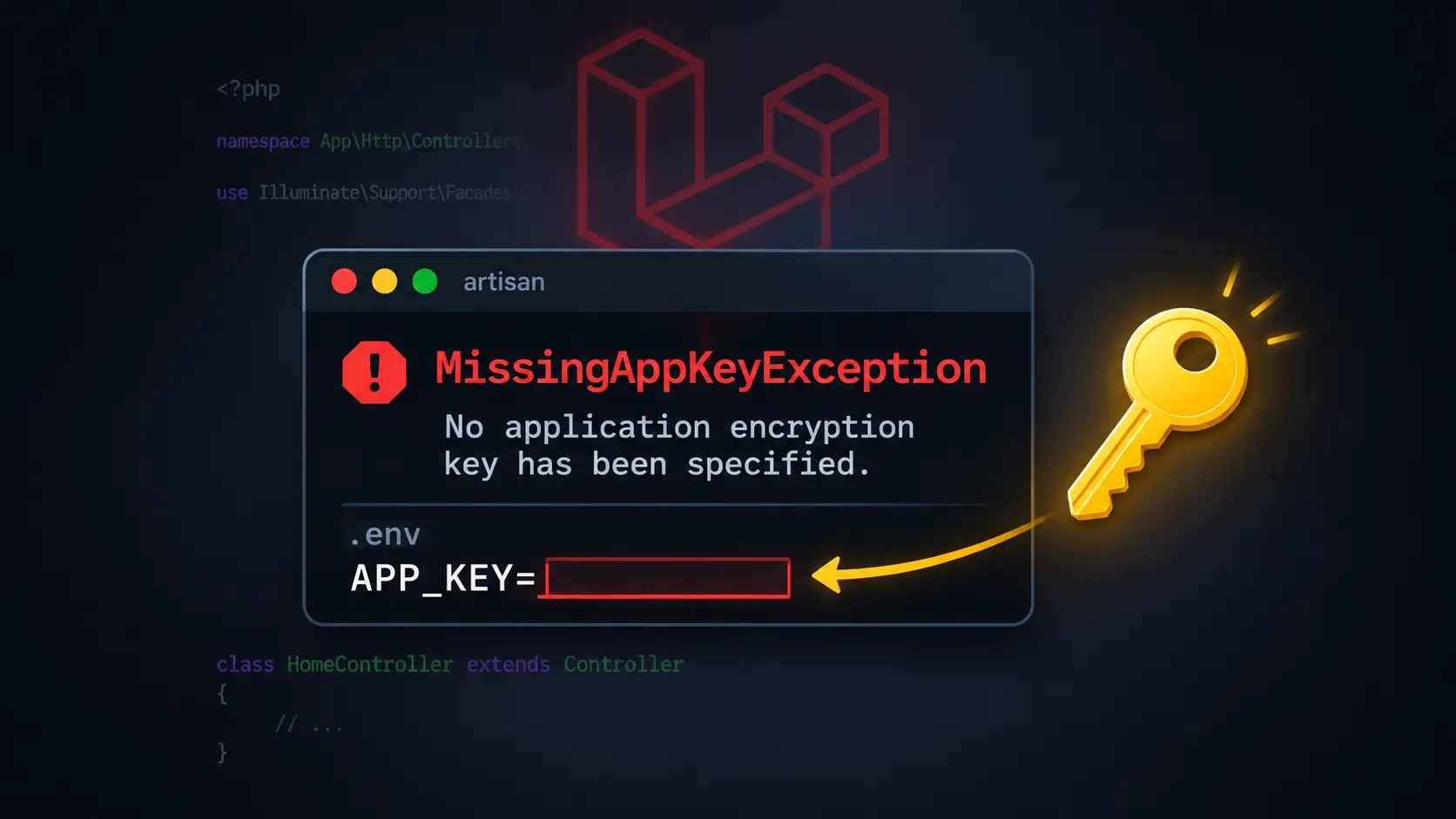
Laravel MissingAppKeyException: No Application Encryption Key Has Been Specified
Fix the Laravel MissingAppKeyException error when APP_KEY is missing or empty in your .env file.
You’ve just created a fresh Laravel project or cloned one from GitHub, excited to start building. You runphp artisan serve, open your browser, and instead of seeing the Laravel welcome page, you get this:
Illuminate\Encryption\MissingAppKeyException

No application encryption key has been specified.
This is one of the most common Laravel errors, especially when setting up a new project. The good news is that it’s straightforward to fix once you understand what’s happening.
Understanding the Error
Laravel uses an application encryption key (APP_KEY) for encrypting cookies, session data, and any other encrypted values in your application. This key must be set in your.envfile before Laravel can run.
TheMissingAppKeyExceptionoccurs when:
- The
.envfile is missing entirely - The
.envfile exists butAPP_KEYis empty - You cloned a repository and forgot to copy
.env.exampleto.env - Configuration cache contains an empty key
Laravel requires this key for security operations, and it won’t start without one.
Why Does This Happen?
When you clone a Laravel project from GitHub or other version control systems, the.envfile is intentionally excluded from the repository. This is a security practice—the.envfile contains sensitive configuration like database passwords and API keys that shouldn’t be committed to public repositories.
Instead, repositories include a.env.examplefile that serves as a template. You need to create your own.envfile and generate a unique application key.
Even fresh Laravel installations created withcomposer create-projectmay have an emptyAPP_KEYif something interrupts the installation process.
The Solution
Here’s how to fix the error step by step.
Step 1: Check if .env Exists
Navigate to your Laravel project directory and check if the.envfile exists:
cd /path/to/your-laravel-project
ls -la | grep .env
If you only see.env.examplebut no.env, create one:
cp .env.example .env
On Windows, use:
copy .env.example .env
Step 2: Generate the Application Key
Run this command in your project root:
php artisan key:generate
You should see:
INFO Application key set successfully.
This command generates a random, secure encryption key and automatically writes it to your.envfile in theAPP_KEYvariable.
Step 3: Verify the Key Was Added
Open your.envfile and look for theAPP_KEYline. It should now contain a base64-encoded string:
APP_NAME=Laravel
APP_ENV=local
APP_KEY=base64:xxxxxxxxxxxxxxxxxxxxxxxxxxxxxxxxxxxxxxxxxxx=
APP_DEBUG=true
APP_URL=http://127.0.0.1:8000
The actual key will be a long string of random characters. Never copy example keys from tutorials or documentation—each application needs its own unique key.
Step 4: Clear Configuration Cache
If you’ve been working with the project before, Laravel might have cached the old configuration. Clear it:
php artisan config:clear
This ensures Laravel loads the newAPP_KEYfrom your.envfile.
Step 5: Restart the Development Server
If the development server is running, stop it (Ctrl+C) and start it again:
php artisan serve
Visit your application athttp://127.0.0.1:8000. The error should be gone.
Troubleshooting
Key Generation Fails
Ifphp artisan key:generatedoesn’t work or shows errors:
Check file permissions: Ensure the.envfile is writable:
chmod 644 .env
Verify .env format: Make sure the.envfile doesn’t have syntax errors. Each line should follow the patternKEY=valuewith no spaces around the equals sign.
Check composer dependencies: Runcomposer installto ensure all Laravel dependencies are installed:
composer install
Key Exists But Error Persists
If you’ve generated the key but still see the error:
Clear all caches:
php artisan config:clear
php artisan cache:clear
php artisan route:clear
php artisan view:clear
Check the key format: TheAPP_KEYshould start withbase64:followed by a long string and end with=. If it’s missing thebase64:prefix, regenerate it:
php artisan key:generate
Restart your web server: If you’re using Apache or Nginx instead ofphp artisan serve, restart the web server to reload the environment configuration.
Different Error After Generating Key
If you now see a different error (like database connection issues), that’s actually progress—theAPP_KEYerror is fixed, and Laravel is now trying to run. Tackle the new error separately.
Important Security Considerations
Never Commit APP_KEY to Version Control
The.envfile should already be listed in.gitignore. Verify this by checking your.gitignorefile:
cat .gitignore | grep .env
You should see.envlisted. If not, add it immediately to your.gitignorefile.
Don’t Regenerate Keys on Production
If your application is already in production and has encrypted data in the database (like encrypted user information), do not regenerate the APP_KEY casually. Changing the key will make all previously encrypted data unreadable, effectively breaking your application.
Only regenerate production keys if:
- You’re setting up the application for the first time
- You have a specific security reason and understand the consequences
- You have a plan to re-encrypt existing data
Rotating Production Keys
If you need to rotate a production key for security reasons, use Laravel’s graceful key rotation feature (Laravel 11+):
php artisan key:generate --show
This shows the new key without writing it. You can then add it toAPP_PREVIOUS_KEYSin your.envfile before replacingAPP_KEY, allowing Laravel to decrypt data encrypted with the old key and re-encrypt it with the new one.
Prevention Tips
Make these checks part of your Laravel setup routine:
When creating a new project:
composer create-project laravel/laravel project-name
cd project-name
php artisan key:generate
When cloning an existing project:
git clone repository-url project-name
cd project-name
cp .env.example .env
composer install
php artisan key:generate
When deploying to a new environment:
cp .env.example .env
# Edit .env with production settings
php artisan key:generate
php artisan config:cache
Conclusion
TheMissingAppKeyExceptionis a common Laravel error that happens when theAPP_KEYenvironment variable is missing or empty. The fix is simple: copy.env.exampleto.envif needed, runphp artisan key:generate, and clear the configuration cache.
Key takeaways:
- Always generate a unique key: Never copy keys from examples or other projects
- Never commit .env to version control: Keep your application keys secret
- Don’t regenerate production keys: Changing the key breaks encrypted data
- Check .env first: Most Laravel setup issues trace back to environment configuration
With this knowledge, you’ll quickly recognize and fix this error whenever you set up a Laravel project.